
Athlete
Set personal goals
Non-race objectives with a target date and measurable milestones.
Add a goal
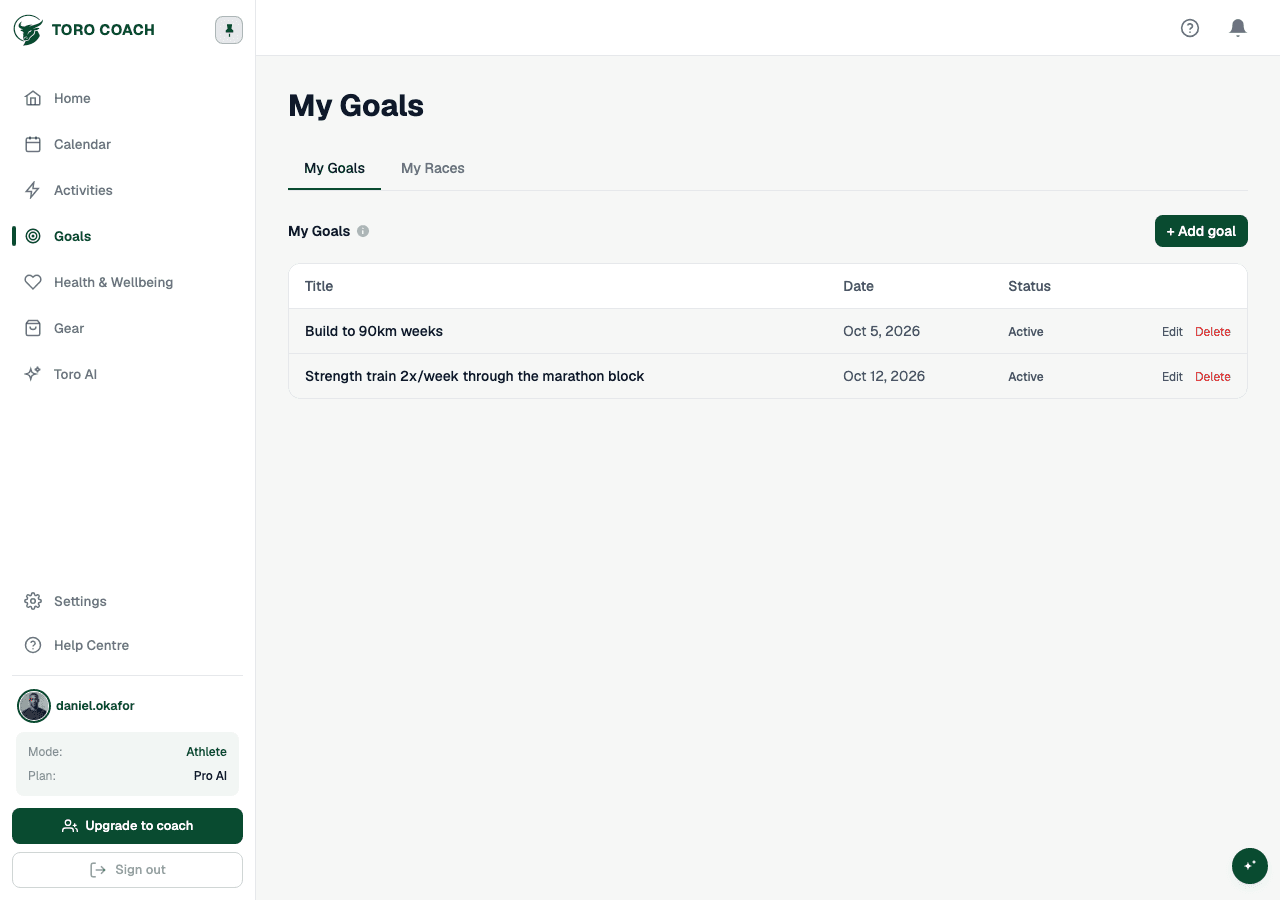
Open Plan → Goals & Races, or go directly to Goals. The Goals tab lists every personal objective that is not a race.
- 1
Select + Add Goal.
- 2
Give it a clear, specific title.
- 3
Set a target date if the goal is time-bound — undated goals sort to the end of the list.
- 4
Save.
Tracking and closing out a goal
- A goal shows as Active, Achieved, or Abandoned.
- Open a goal to see its detail panel, or use the ⋮ menu on its row to edit or delete it.
- Mark milestones in the goal itself so progress stays measurable, not just a vague intention.
Goals vs. races
A race is a specific dated event with a distance and (usually) a result — it lives on the separate Races tab, not here. Use Goals for everything else: a performance target, a habit, or a longer-term outcome with no single event attached.