
Athlete
Plan and log your races
Upcoming and past races, results, photos, and the checklists attached to them.
Add a race
Open the Races tab (from Plan → Goals & Races, or directly at Races).
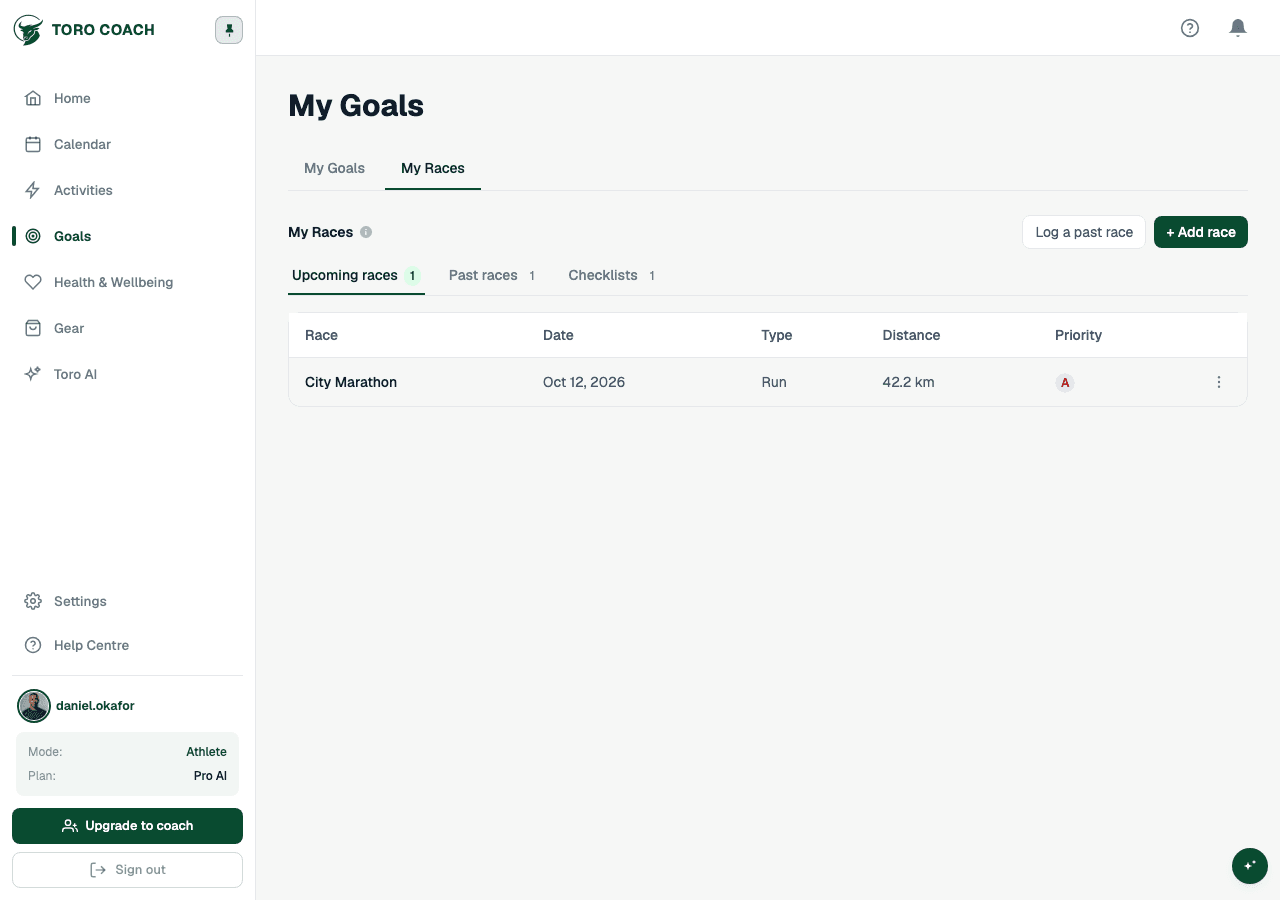
- Add Race — for a race that hasn’t happened yet; it appears under Upcoming.
- Add Past Race — logs a race that already happened directly under Past, for backfilling results.
Upcoming and past races
- Upcoming races sort by the nearest date first.
- Past races without a logged finish time show a Log Results badge as a reminder.
- Priority (A/B/C) marks how important a race is to your season — set it when adding or editing.
- Race photos can be attached to a completed race to keep a visual record alongside the result.
Attaching a checklist to a race
Open a race and use its Checklist tab to attach one — see Use race checklists for how templates work.