
Coached athlete
Respond to group sessions
RSVP to sessions your coach schedules for the team.
Viewing your invites
Group Sessions only appears if you have a coach — it lists every group session you’ve been invited to, split into Upcoming and Past.
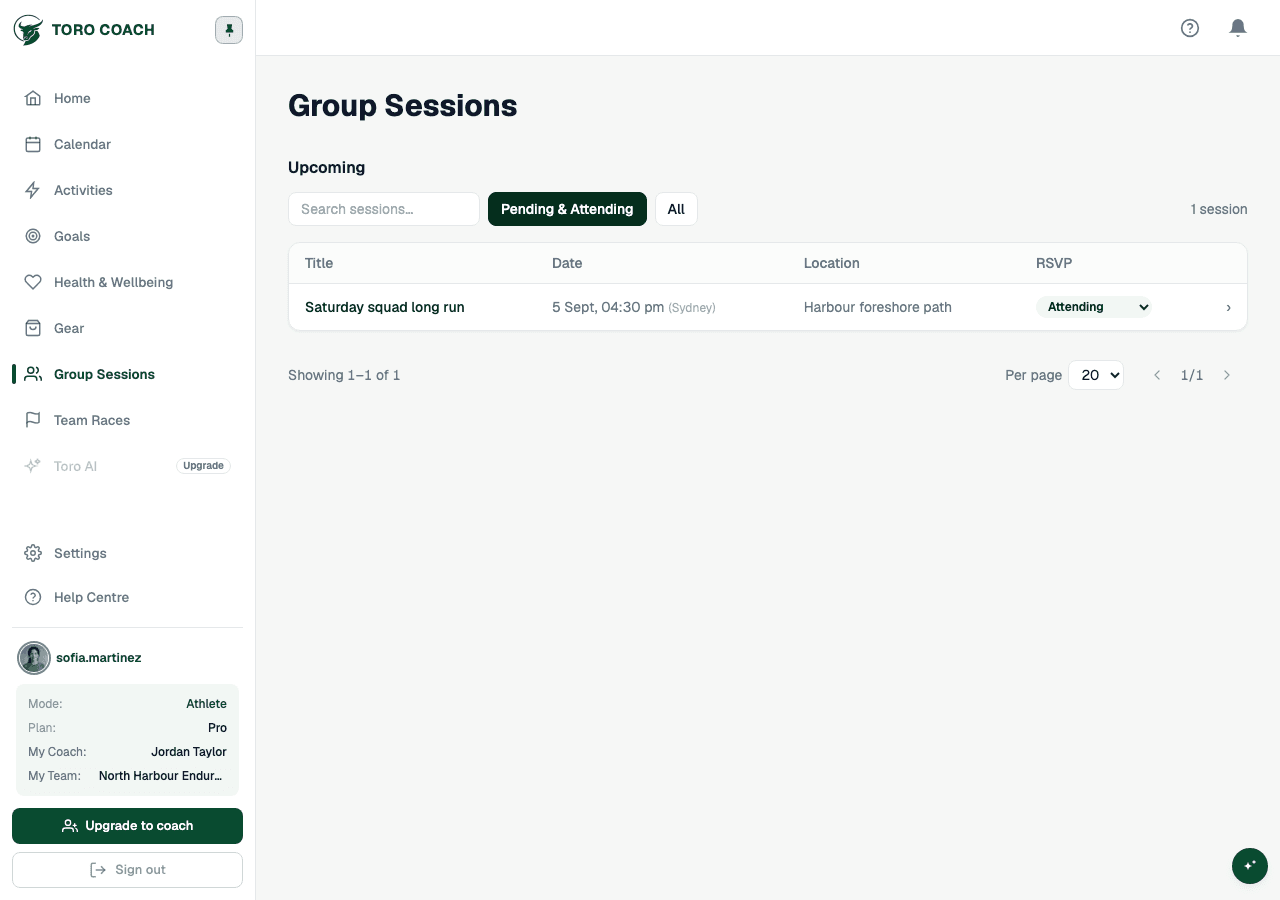
RSVP to a session
- Open the session and choose Attending or Not attending.
- Add an optional note (up to 150 characters) — visible to your coach, useful for “running late” or “bringing a guest”.
- Edit or delete your note at any time; changing your RSVP status doesn’t require redoing the note.