
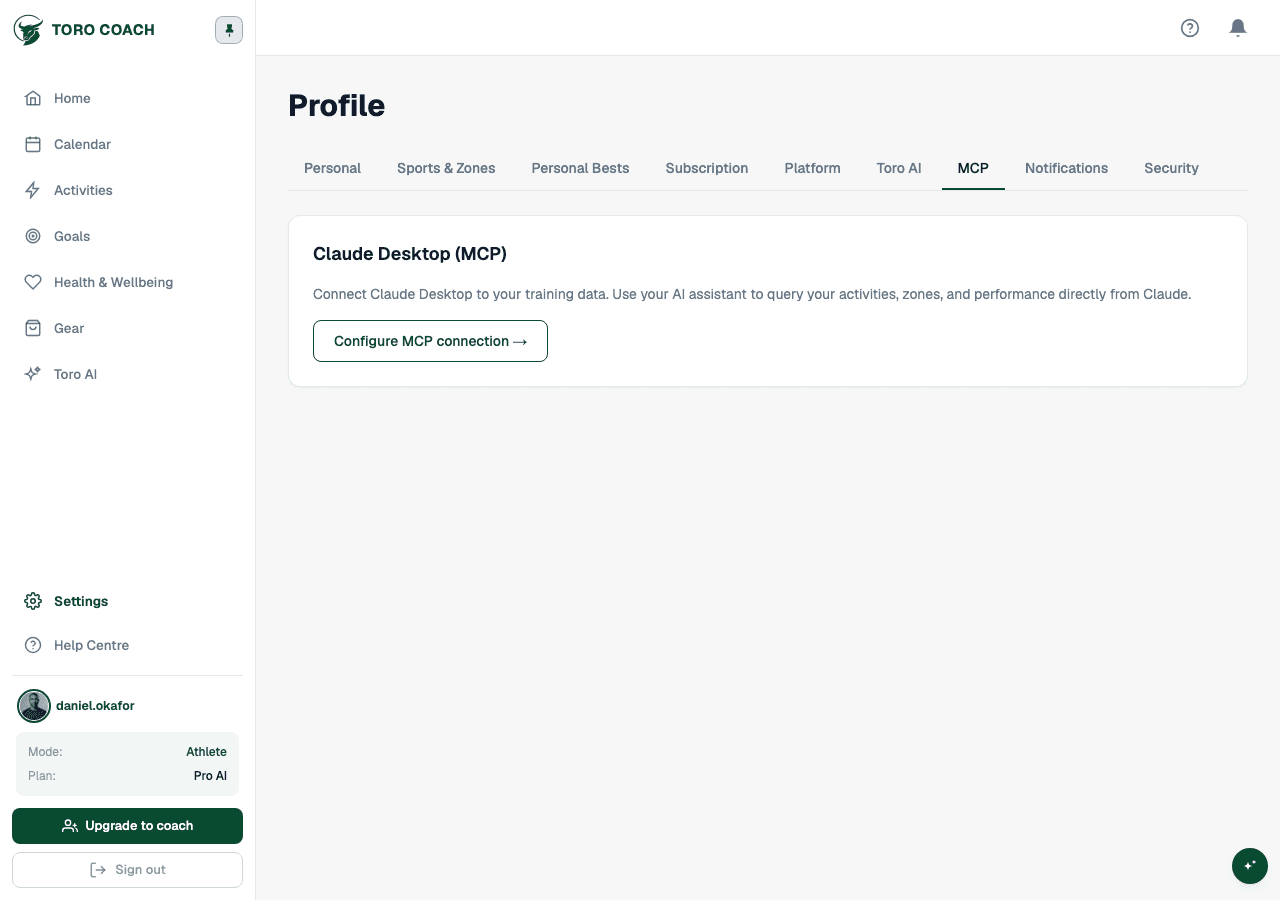
Connect Claude Desktop (MCP)
Give Claude direct, read/write access to your Toro Coach training data.
Who can connect
Claude/MCP access comes with any paid plan (Pro or above) — it does not require the AI-specific tier. If you are on the Free plan, this tab shows an upgrade prompt instead.
Setting up the connection
- 1
Generate an MCP token from Profile → Claude.
- 2
Copy the configuration snippet that appears after generating the token.
- 3
Paste it into your Claude Desktop MCP config file — the snippet includes your endpoint URL.
- 4
Restart Claude Desktop to apply the changes.
What Claude can do
Once connected, Claude can call dedicated tools covering your activities, training load, plans, races and goals, zones and sport settings, gear, and session notes — around 70 tools for your own training data. Coaches get that same set for their own training, the same set again scoped to any individual athlete on their roster, plus 22 more tools for roster, library, and program management.
- Activities — list sessions, pull full stats for one session, get lap splits, or run a full analysis combining stats, laps, gear, compliance, and wellness.
- Training load — daily CTL/ATL/TSB, weekly progress, compliance over a date range, and a full weekly review.
- Plans & schedule — read, create, update, or delete planned workouts, including structured targets.
- Races & goals — read and manage objectives and races, or pull a full training-context summary for planning advice.
- Zones & settings — read or update HR/power/pace/VAM zones and FTP/LTHR/max HR per sport.
- Gear — list, add, update, or retire gear.
- Notes & feedback — read or log RPE, and read or write pre/post-session notes.
- Coach-only — manage your roster, browse or create library workouts and programs, assign programs to athletes, and run every athlete tool above for any athlete on your roster.
Treat access like a password
- Anyone with a valid MCP token has the same access to your data as you do inside Claude — treat tokens like passwords.
- Revoke a token immediately if a device is lost, shared, or no longer used.