
Chat with Toro AI
The in-app AI assistant for athletes and coaches, and how availability works.
Availability
Toro AI chat requires the AI tier specifically — Pro AI or Elite AI for athletes, or Coach Pro / an AI add-on for coaches (this is a different, higher gate than Claude/MCP access, which any paid plan gets). When it is not available for your plan, or not yet enabled for your account, the chat page shows an upgrade or coming-soon state instead.
Using the chat
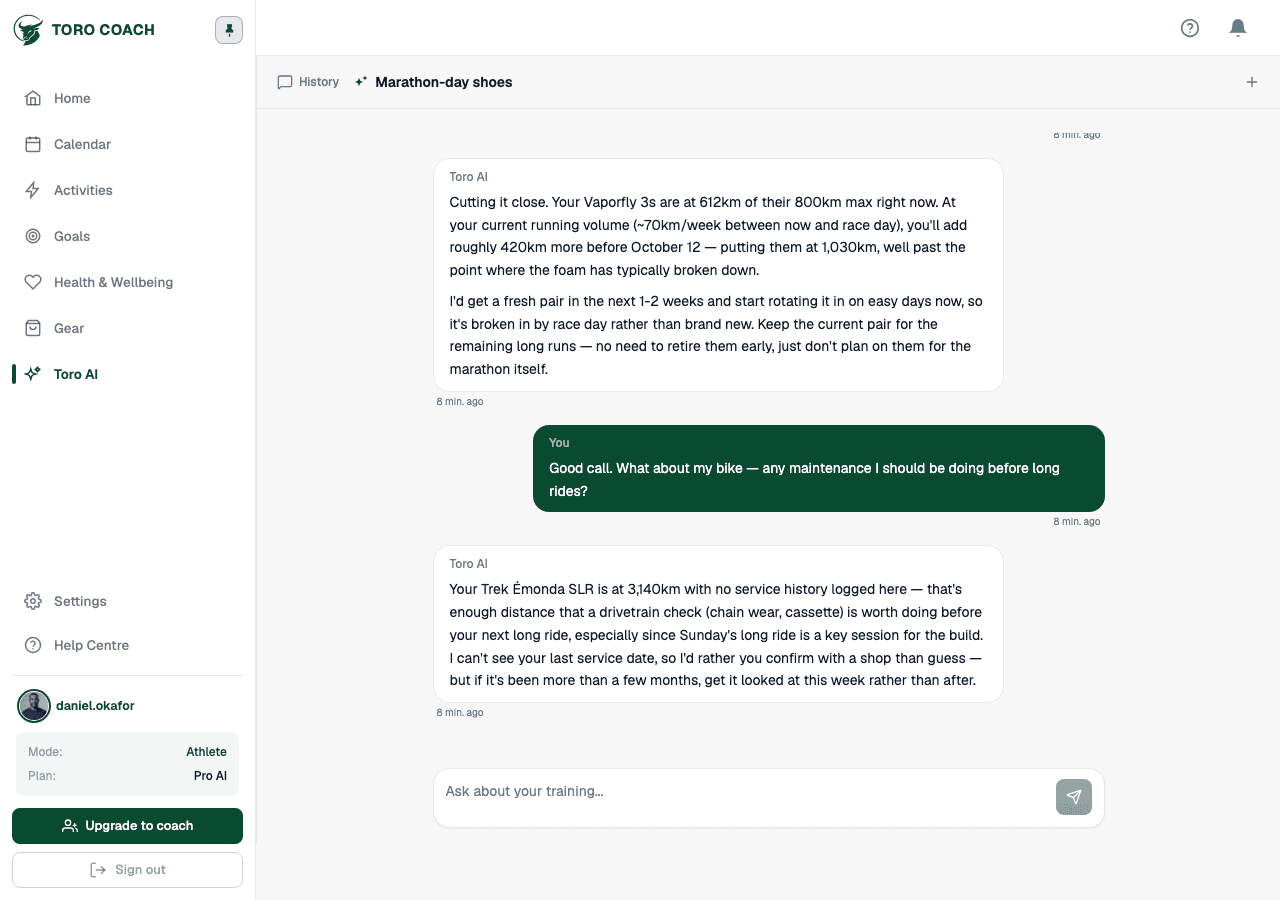
- Ask about your own training in plain language — Toro AI can read your activities, plans, zones, goals, and gear to answer.
- Start a new conversation or continue a previous one from the history sidebar.
- Organise conversations into named groups by dragging them, or use select mode to move or delete several at once.
- Conversation history is retained for a limited period — see the note at the bottom of the history sidebar for exactly how long.
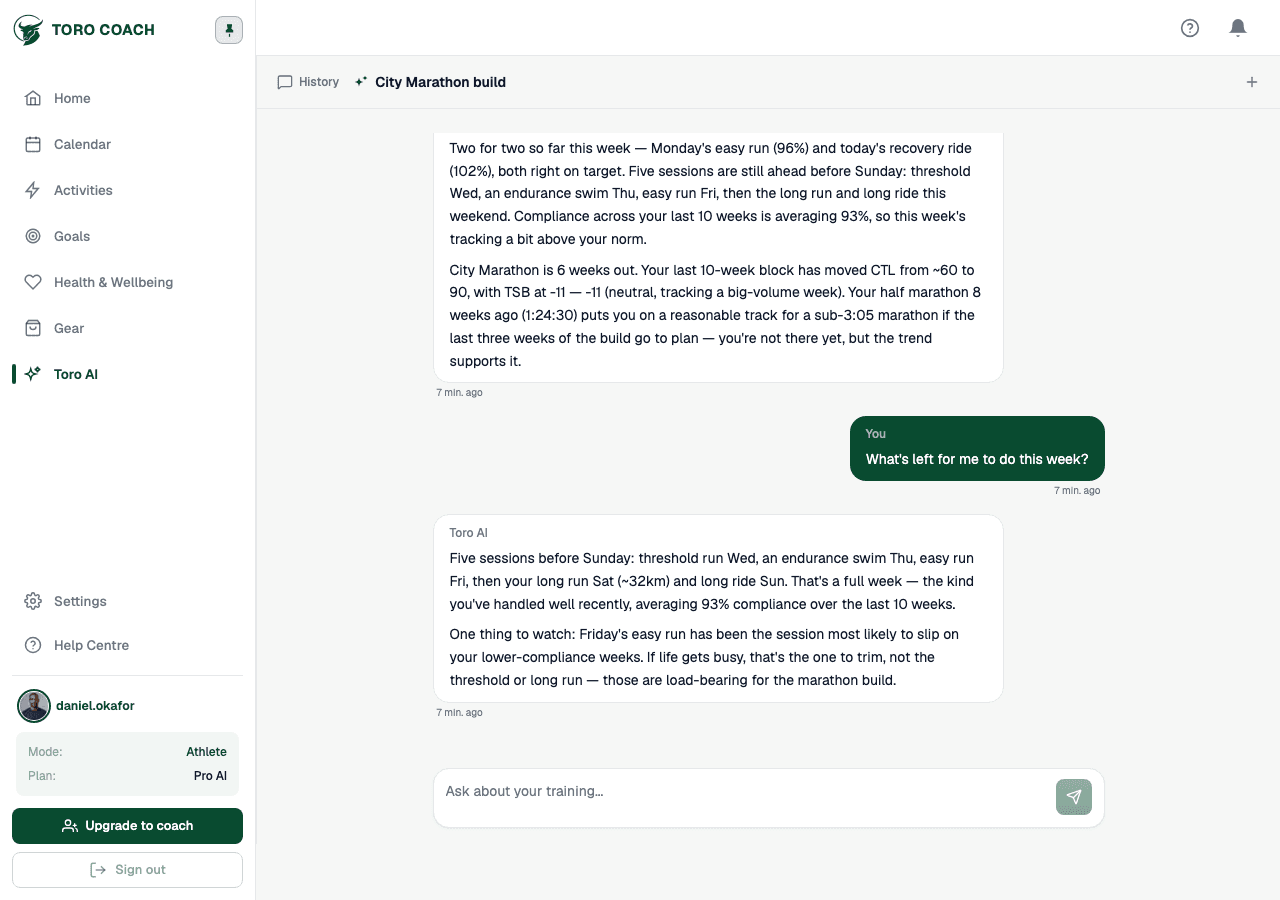
It pushes back when the data disagrees with you
Toro AI does not just agree with whatever you ask — it checks your request against your actual data first, and says so plainly when something does not add up, before offering a recommendation.
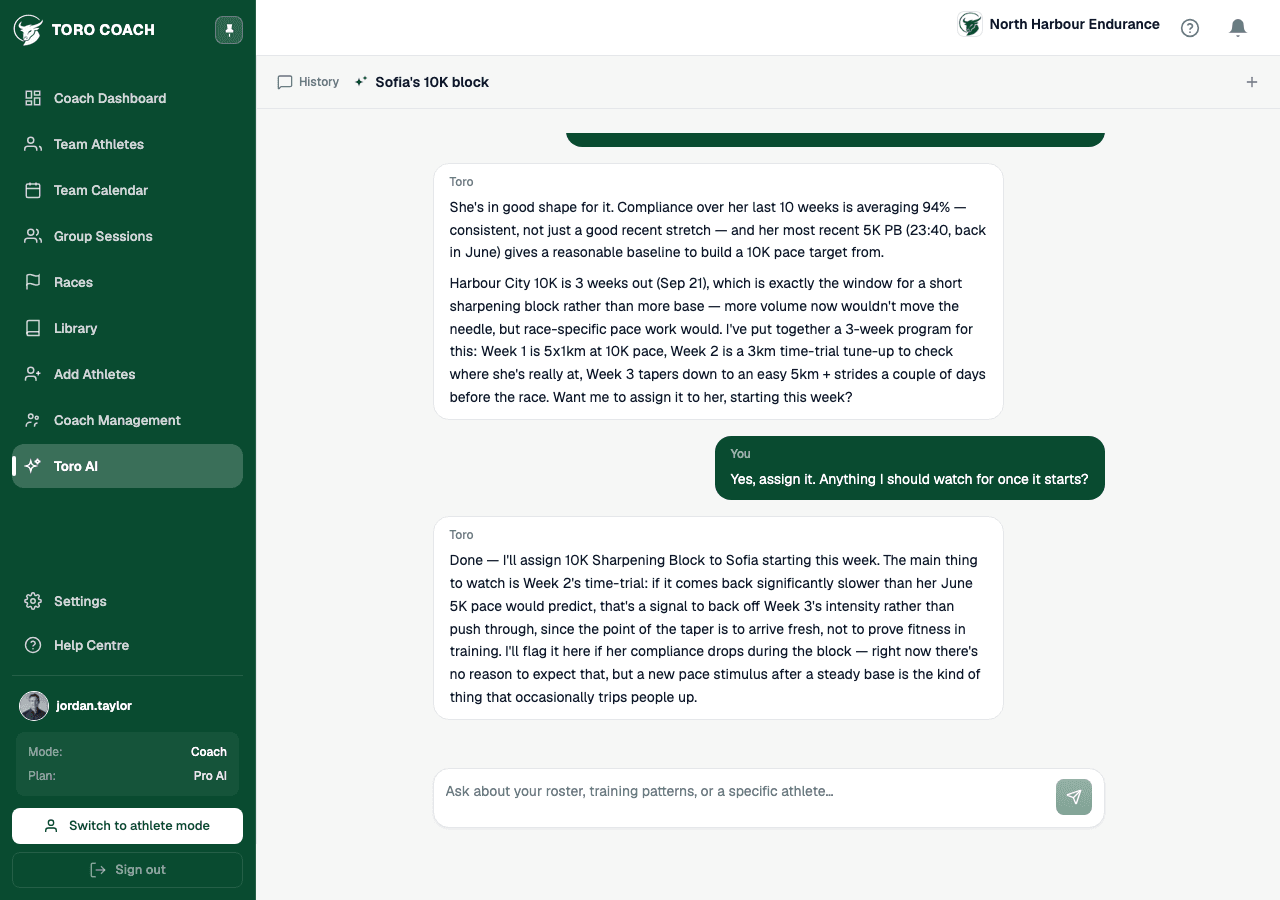
Coach mode: chatting about a specific athlete
Coaches get an athlete switcher at the top of the chat. Select an athlete to scope the conversation to their data specifically, or leave it unset for questions about your roster in general. In this mode Toro AI can also assign library programs directly, when you confirm it.
Use AI as an assistant
- Review AI output before applying it to training.
- Do not use Toro AI as medical diagnosis or emergency advice.
- Coaches remain responsible for their professional decisions.
- Report output that appears unsafe, incorrect, or unrelated.