
Athlete
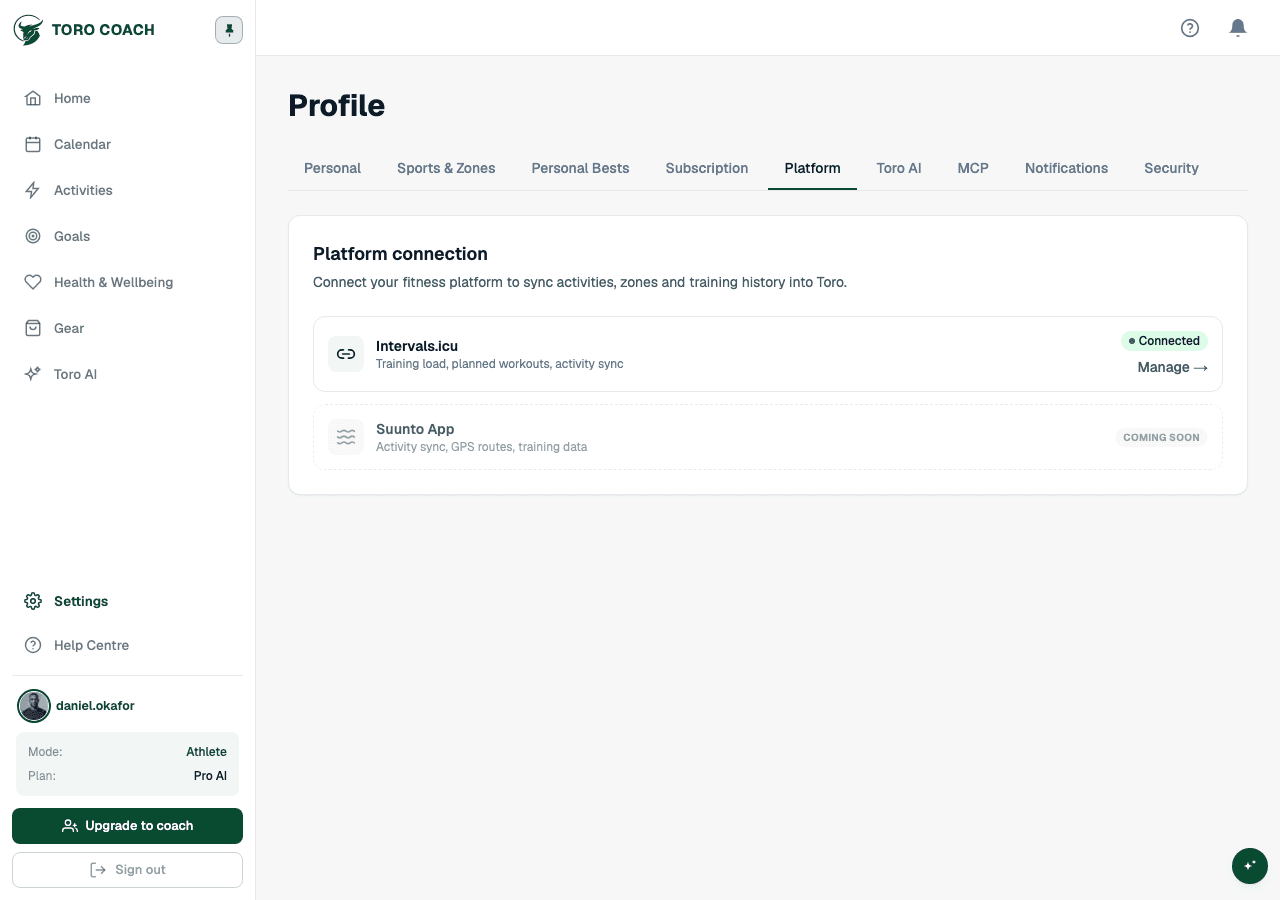
Connect your training platform
Link Intervals.icu or Garmin Connect and import your activity history.
Connecting your account
- 1
Open Profile → Platform.
- 2
Log in to intervals.icu and go to Settings → Developer Settings.
- 3
Copy your Athlete ID and API key from there.
- 4
Paste both into Toro Coach and select Connect.
Importing your activity history
After connecting, choose how far back to import — 90 days, 180 days, or 1 year. Activities older than your selected range are not imported; to bring in more history later, disconnect and reconnect with a wider range.
Import runs in the background with a live progress bar. When it finishes, you will see how many activities imported successfully and how many failed.
Disconnecting or deleting your data
- Disconnect keeps your existing activity data and compliance history — it only removes the live link to your training platform.
- You can optionally also delete all activity data when disconnecting, useful if you plan to reconnect with a different date range.
- Delete activity data on its own removes activities and compliance history, but keeps your plans and workouts intact.