
AthleteCoach
Keep your account secure
Password, two-factor authentication, and safe account sharing.
Set or change your password
Open Profile → Security to set a new password. Passwords must be at least 8 characters, and Toro Coach may occasionally ask you to sign in again before letting you change it.
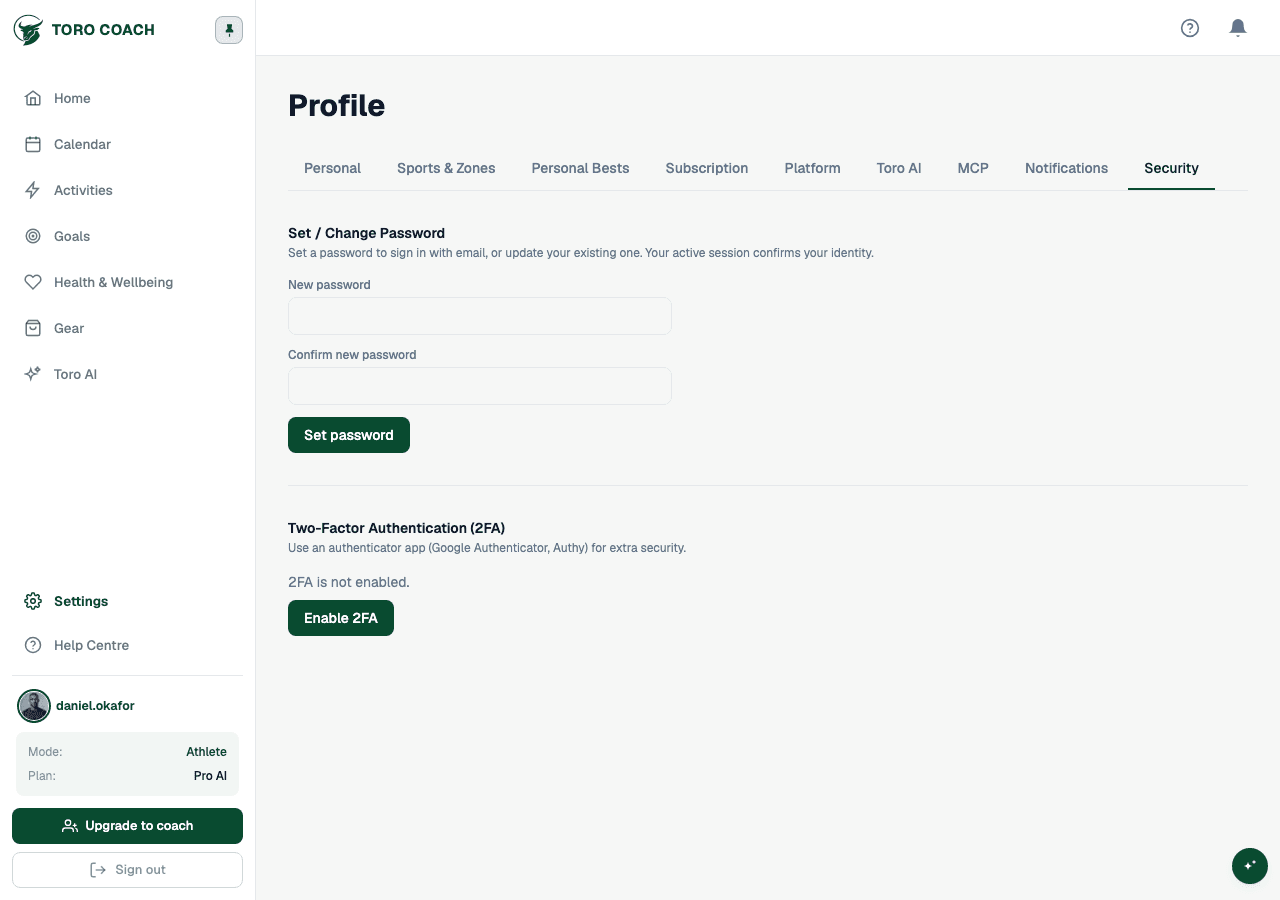
Two-factor authentication
- Enable it from Profile → Security by scanning the QR code with any authenticator app.
- Confirm the 6-digit code from your app to finish enrolling.
- You can remove an enrolled authenticator at any time and re-enroll later.
Never share an account
- Use a unique password or a magic sign-in link — never share either between people.
- Each athlete and coach should have their own login; use invitations to add people, not shared credentials.