
AthleteCoach
Track your personal bests
Your best times per sport and distance, editable at any point.
Add a personal best
- 1
Open Profile → Personal Bests.
- 2
Select Add a PB, then choose the sport (run, cycling, triathlon, or swim) and the distance or category.
- 3
Enter your time, the date you achieved it, and an optional note.
- 4
Save — it appears grouped under that sport.
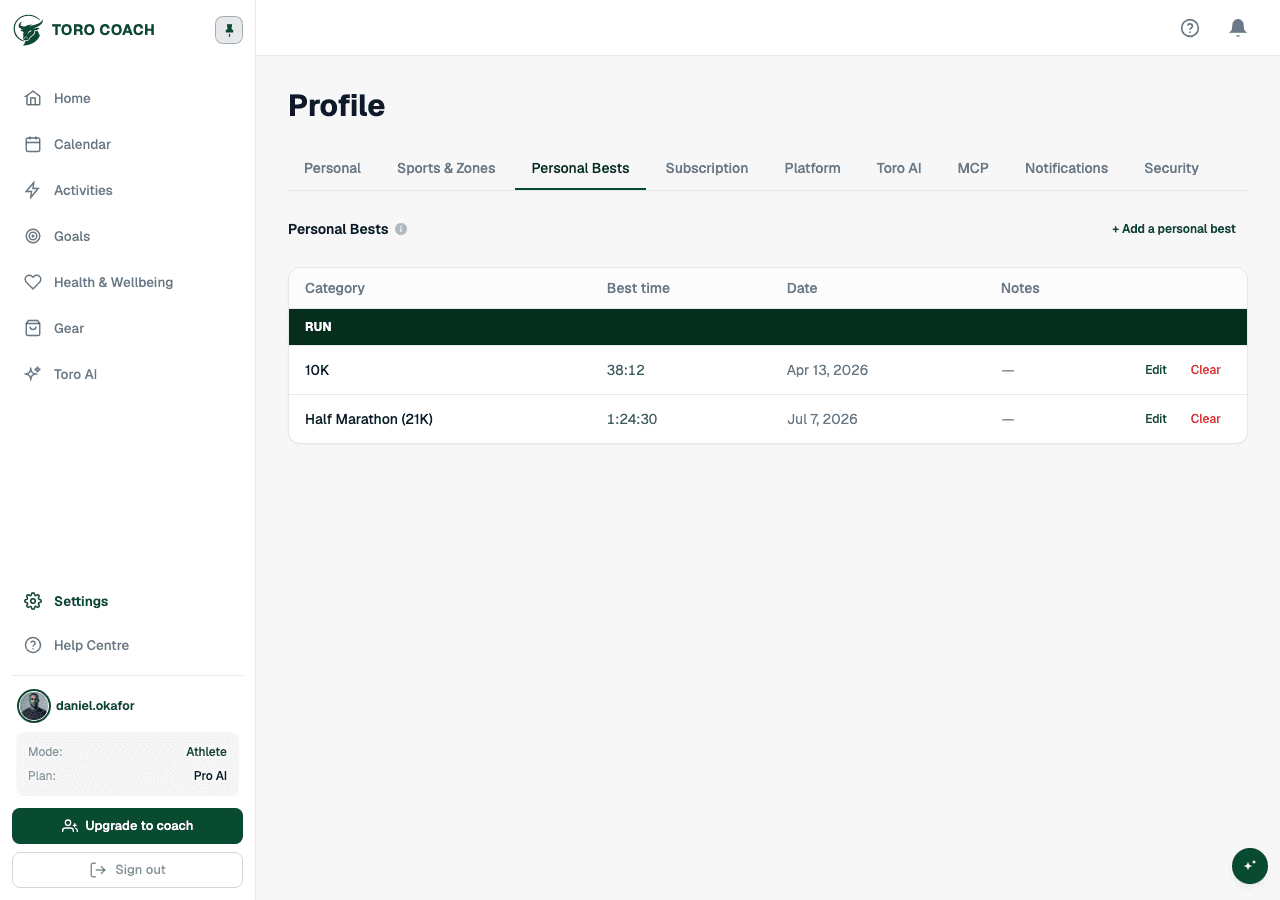
Editing and clearing a PB
- Edit a PB at any time to correct the time, date, or note.
- Clear a PB to remove it — you can always add it again later for the same category.
- Each sport only offers "Add a PB" for categories you have not yet set, so you will not accidentally create duplicates.