Coach
An athlete’s full profile
Everything about one athlete — training, health, zones, gear, and Toro AI context — in one place.
Opening a profile
Open an athlete’s full profile from any row in Athletes, from a link in the dashboard’s Needs Attention or Setting Up cards, or from the pipeline table.
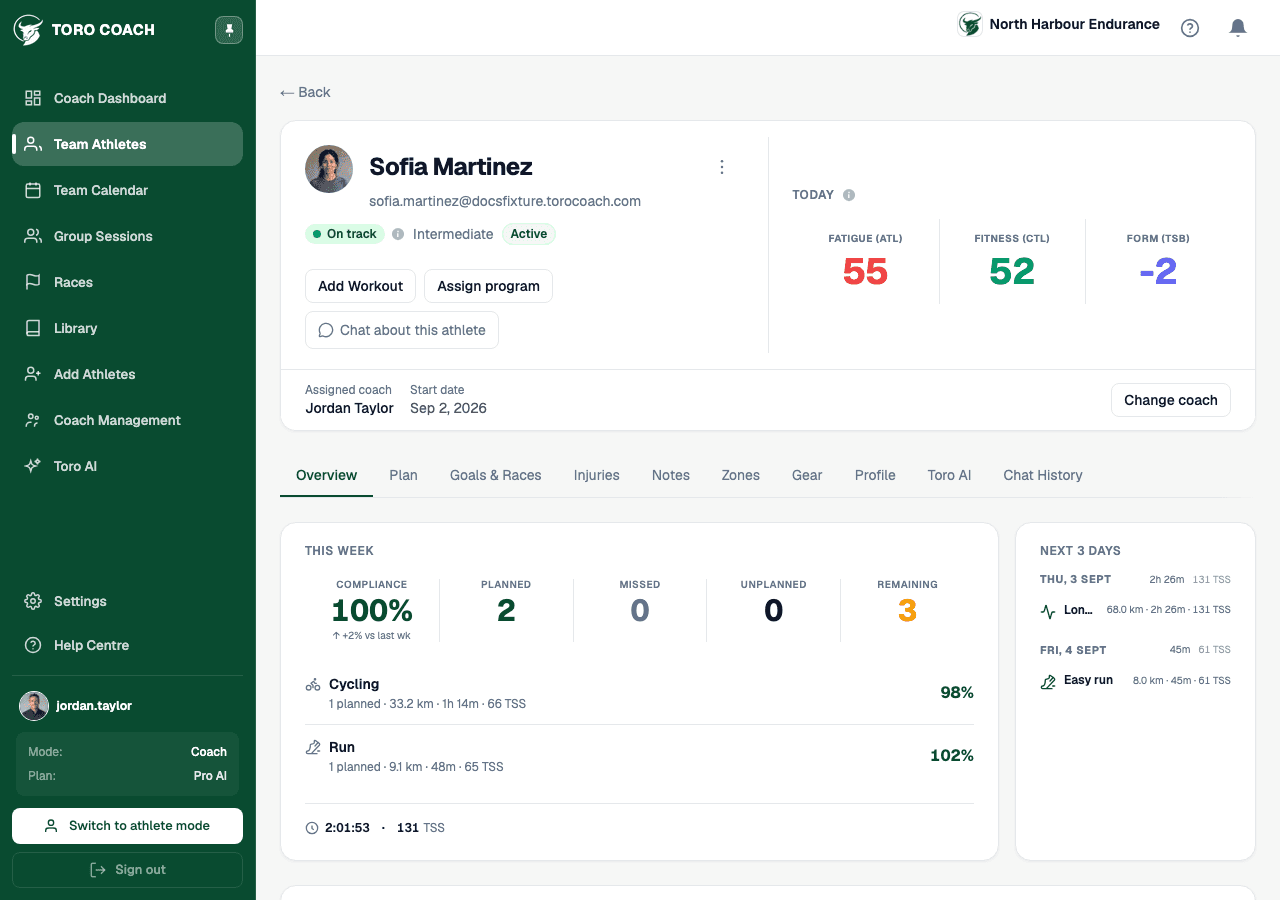
The tabs
- Overview — training load chart, weekly progress, and readiness.
- Goals & Races — the athlete’s personal objectives and races.
- Injuries — their injury log, same as they see it themselves.
- Notes — general health notes and your own athlete notes for Toro AI (see below).
- Zones — their current HR/power/pace zones per sport.
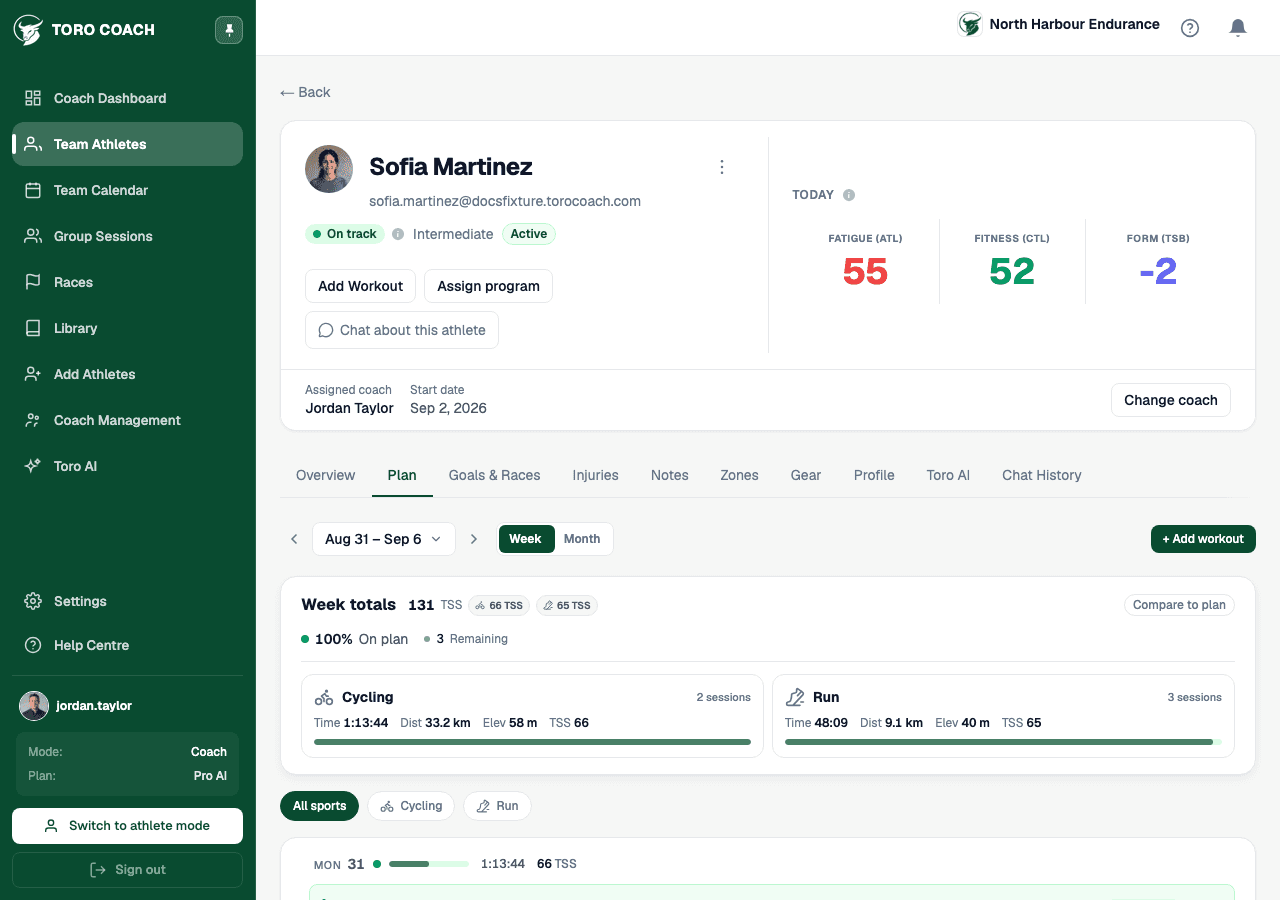
- Plan — their calendar, the same week/today/history view as Team Plan’s single-athlete drill-in.
- Gear — their tracked gear and usage.
- Profile — their personal details.
- Toro AI — availability and context for AI features on this athlete (only shown when relevant to your plan).
Athlete notes for Toro AI
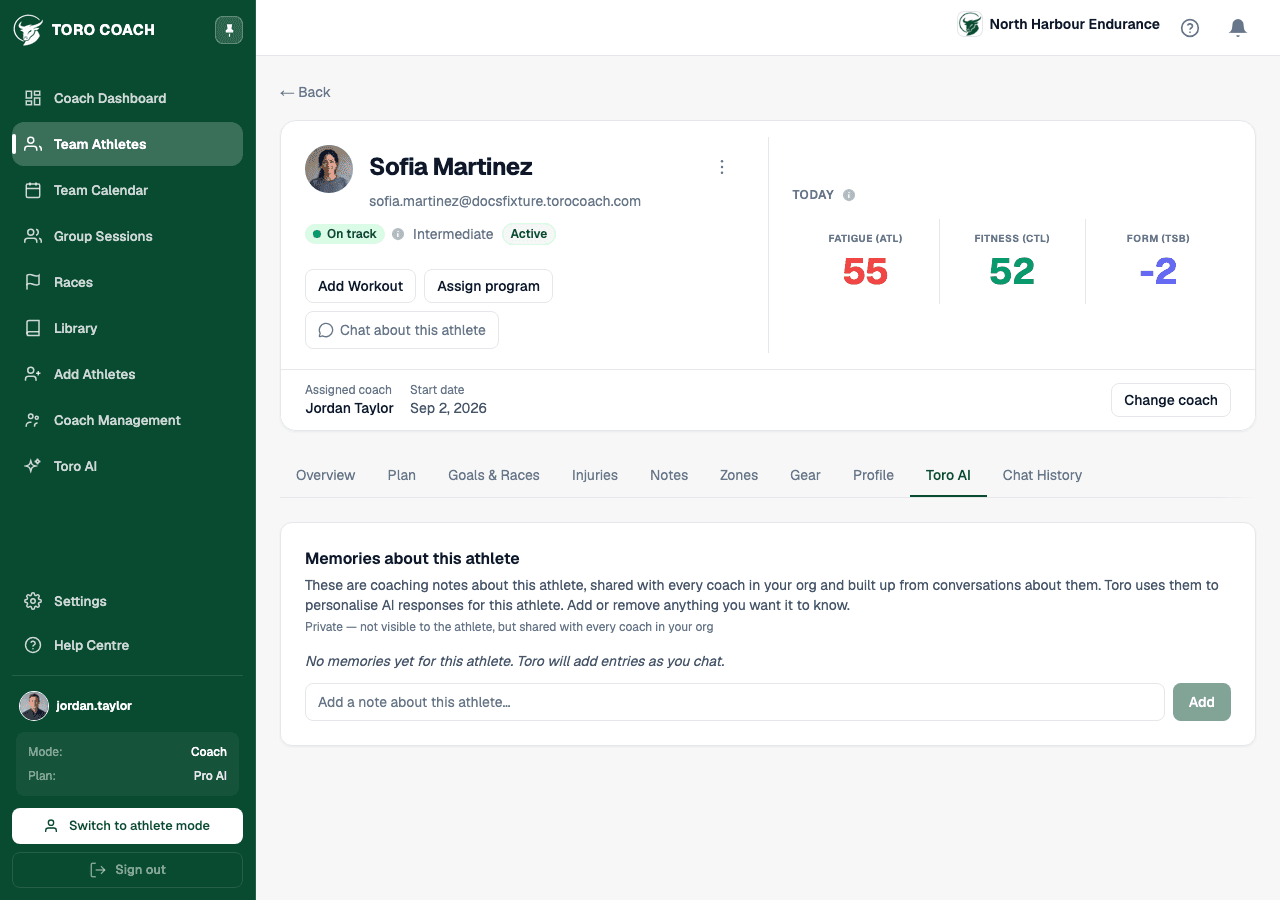
The Toro AI tab holds a coach-only free-text field — Athlete notes — that Toro reads before every AI interaction involving this athlete. Use it for context that isn’t visible in the data: training phase, current constraints, or upcoming intentions.
- Example: “Peak week before taper — don’t suggest more load.”
- Example: “Coming back from hamstring strain, no speed work.”
- Example: “Preparing for Kona — A race is 14 Oct.”
- This tab also shows Toro’s own inferred summary and training philosophy for the athlete, which you can regenerate, plus a shortcut to chat about this athlete directly.
Profile actions
- Use the ⋮ menu to refresh this athlete’s status immediately, or remove them from your team.
- Reassign the athlete to a different coach on your team from the same header area.
- Assign a workout or a program to this athlete directly from their profile, without going through Team Plan.
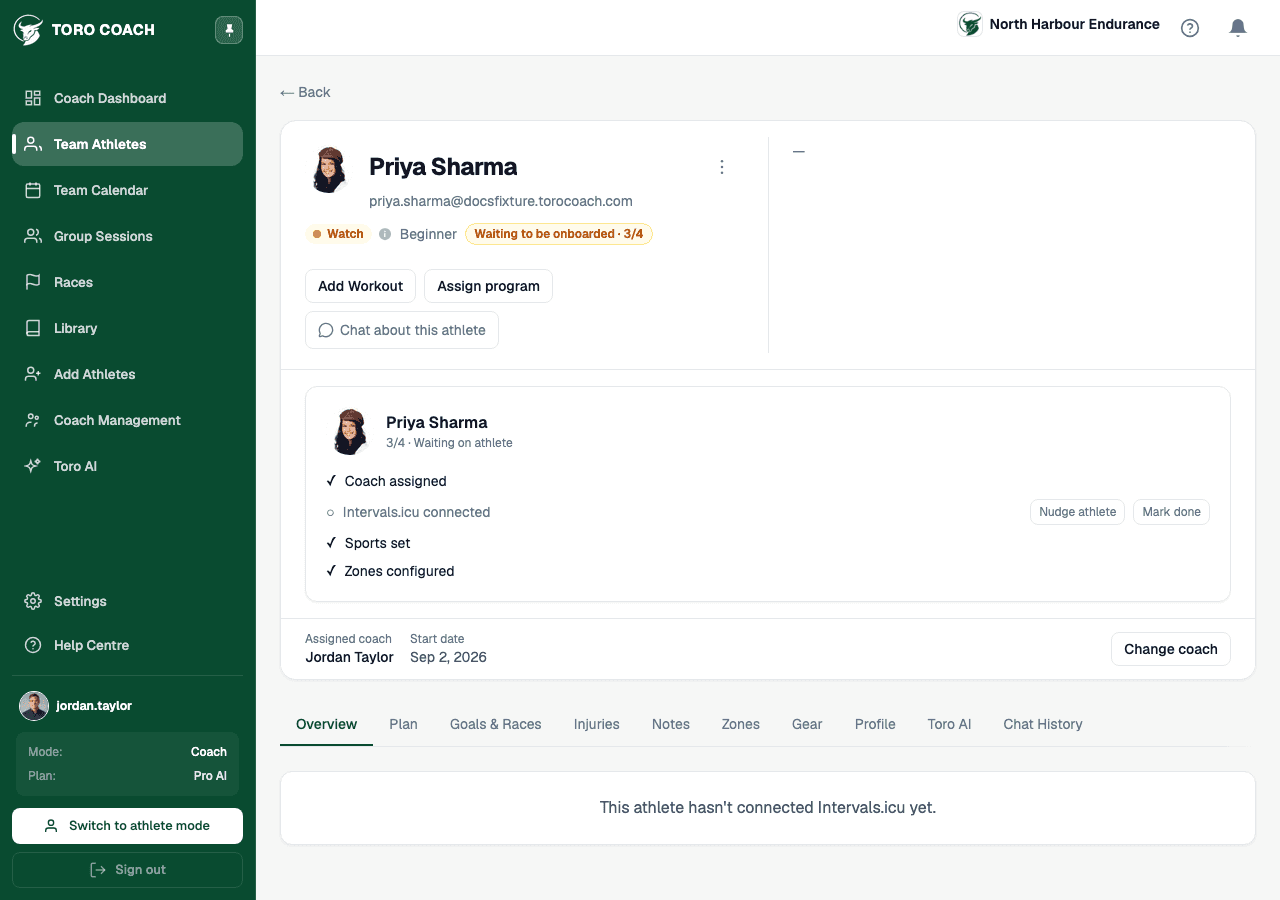
While an athlete is still onboarding
A newly-invited athlete’s profile looks different until they finish setup: a checklist replaces the usual training summary, and tabs that depend on their data show a simple “not connected yet” message instead of an error.