
Create and manage group sessions
One-off shared training sessions — invites, attendance, and edits.
Create a group session
- 1
Open Group Sessions and select New Group Session.
- 2
Add a title, optional description, city and location, and a start time (end time is optional).
- 3
Choose who to invite — All athletes, your whole Team, athletes in a specific city, or a hand-picked list.
- 4
Save to create the session and send invites.
Monitoring attendance
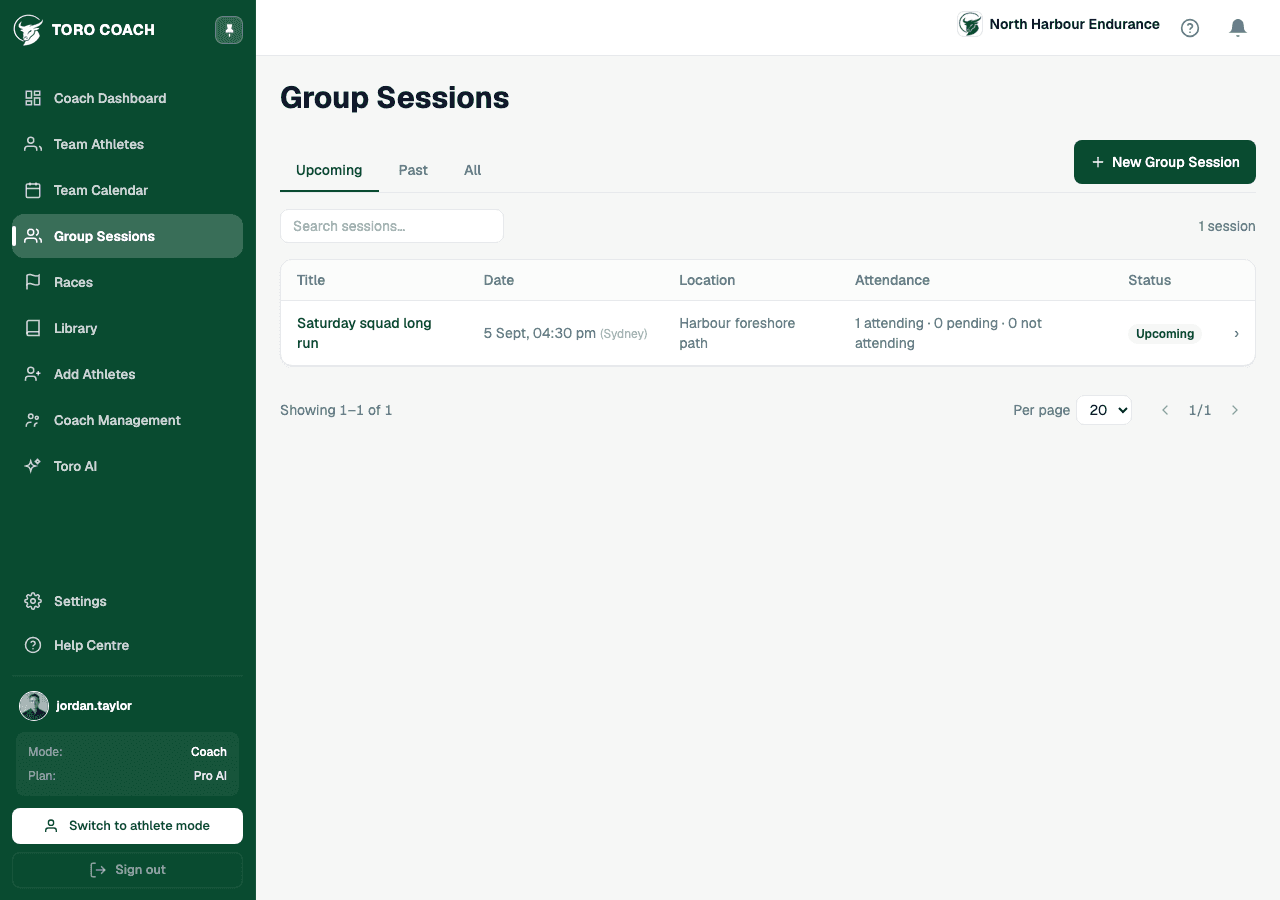
The Group Sessions list filters by Upcoming, Past, or All, and shows a live attendance summary per session. Open a session to see exact Attending / Pending / Invited counts, the full response table, and a map with directions if a location was set.
- Edit Session changes the details — invited athletes are notified of the change.
- Cancel Session marks it cancelled without deleting it; cancelled sessions stay visible with a Cancelled badge.
What athletes see
Invited athletes see the session in their own Group Sessions list and RSVP from there — see Respond to group sessions for exactly what that looks like on their side.