
Coach ownerCoach adminCoach member
Your organisation and coach seats
Org profile, coach roles, and inviting other coaches.
Organisation profile
Owners and admins see the organisation’s profile card — name, logo, and member counts — at the top of Team. Only the owner can edit it.
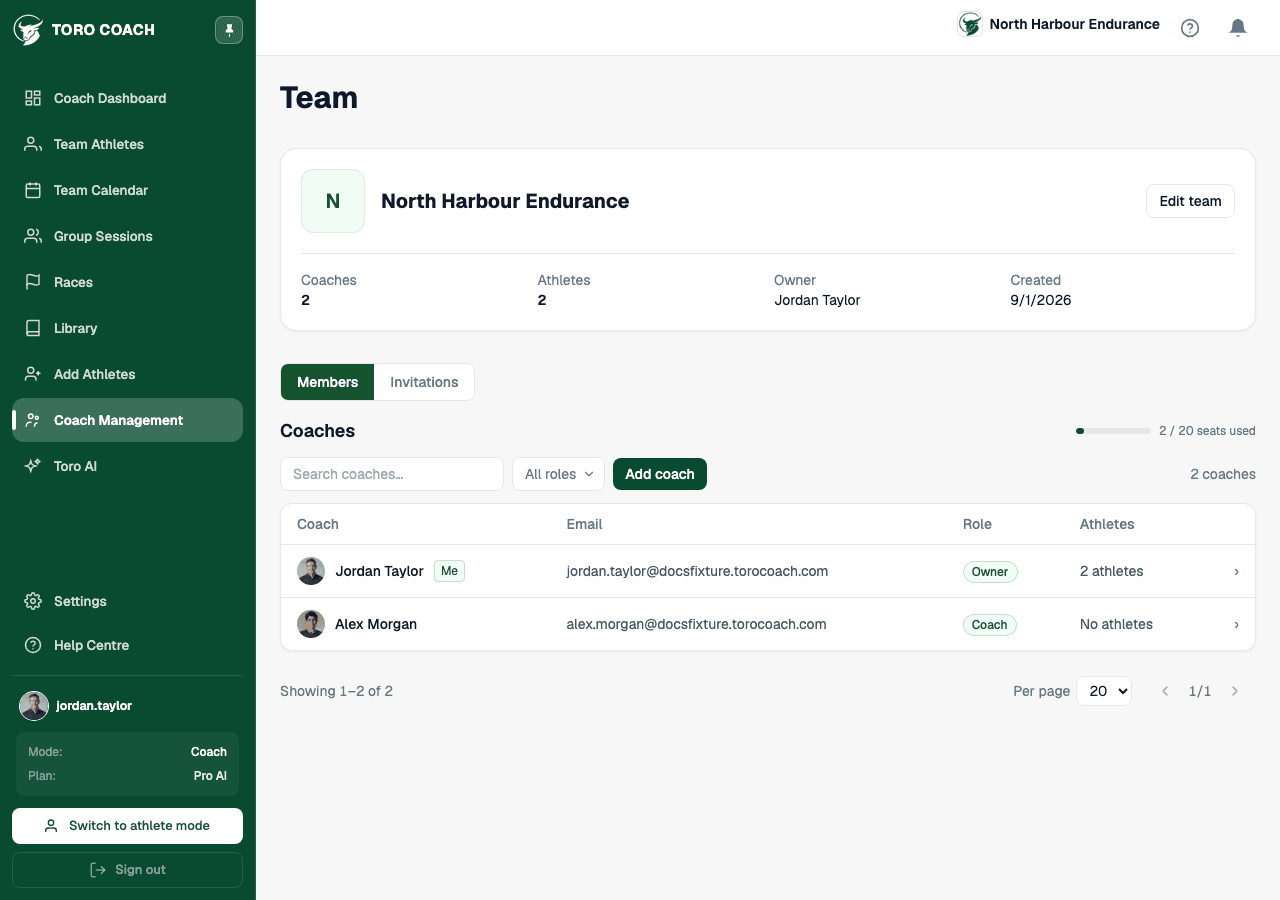
Coaches and roles
- Owner — full control, including billing and the org profile.
- Admin — can manage coaches and Team-scoped library content, but not billing.
- Coach — works with their own assigned athletes; can’t manage other coaches.
- Open any coach on the Members table to see their own assigned-athlete count and roster on a dedicated page.
Inviting other coaches
Owners and admins get a second tab, Invitations, alongside Members for tracking pending coach invites — separate from the athlete invite pipeline in Add Athletes.